If you find this add-on useful, please star it on GitHub — stars show appreciation and help maintainers know their work matters.




DDEV Gitleaks
Overview
This add-on installs the gitleaks secret
scanner into your DDEV project’s web container and adds a
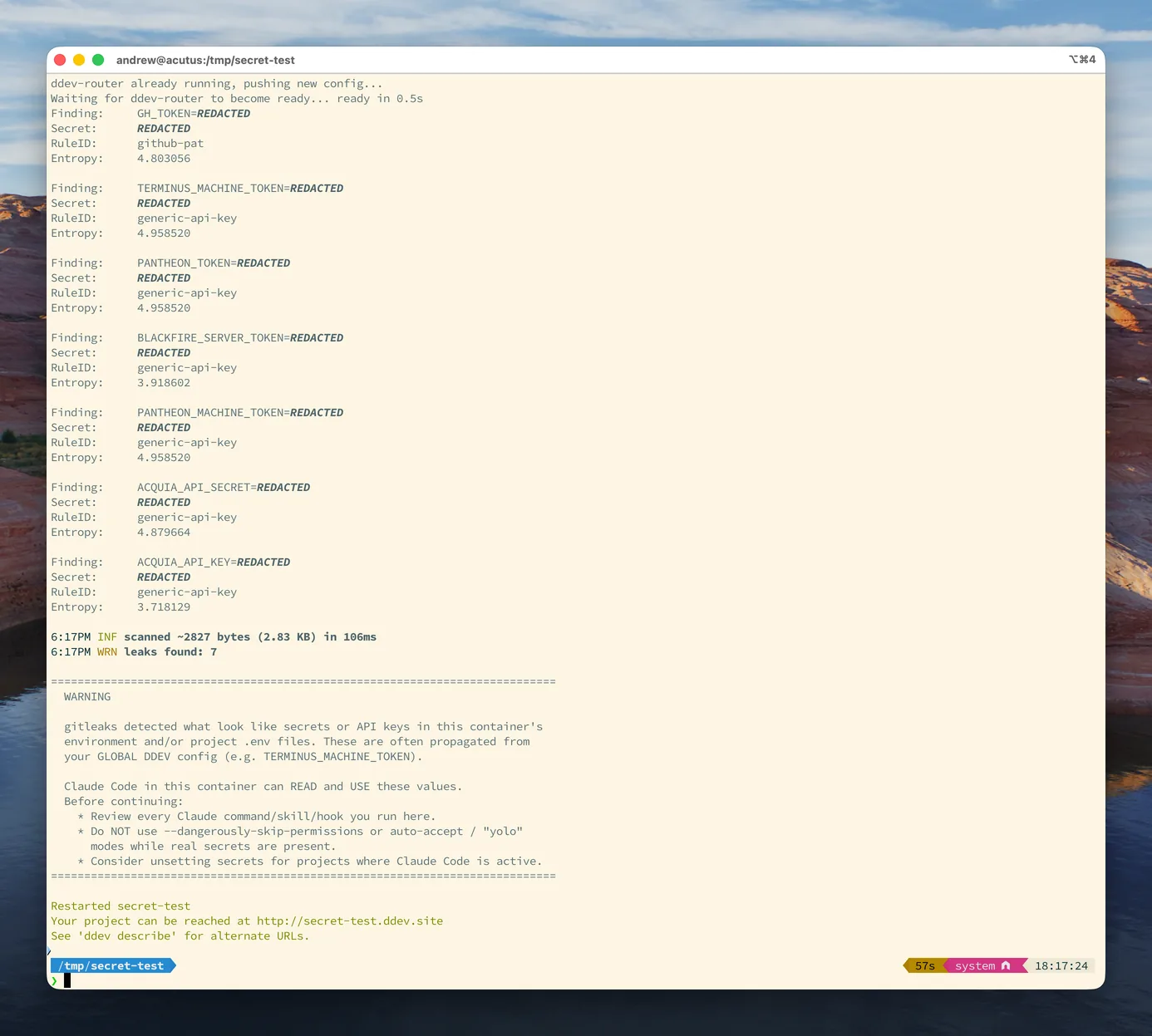
post-start hook that scans the container environment and project .env files
for likely secrets and API keys.
It warns, it never blocks. DDEV propagates global web_environment into every
project, so a secret set globally (for example TERMINUS_MACHINE_TOKEN) becomes
readable by any process in the web container — including AI coding assistants such
as Claude Code. When the scan finds something, it prints a redacted warning at the
end of ddev start and exits 0; it never aborts startup. Secret values are always
redacted in the output.
Installation
ddev add-on get Lullabot/ddev-gitleaks
ddev restart
After installation, make sure to commit the .ddev directory to version control.
Usage
The scan runs automatically on every ddev start. To run it on demand:
ddev exec gitleaks-scan
A clean project prints nothing and exits 0. When secrets are detected, a redacted
warning banner is printed. The scan never changes the exit status of ddev start.
What is scanned
- The web container environment (
env), where DDEV global and projectweb_environmentvalues appear. .env-style files under the project root (vendor/,node_modules/,.git/, and.env.example/template files are skipped).
Benign DDEV-provided variables are allowlisted by name prefix in
.ddev/web-build/gitleaks.toml to avoid false positives. Add project-specific
benign variables there if needed.
Advanced Customization
Pin a different gitleaks version with the GITLEAKS_VERSION build arg in
.ddev/web-build/Dockerfile.gitleaks (Renovate keeps the default up to date),
then rebuild:
ddev debug rebuild
Credits
Contributed and maintained by @Lullabot
If you find this add-on useful, please star it on GitHub — stars show appreciation and help maintainers know their work matters.